Saturday, 14 June 2014
Methode 1- Using OTA Updates
1-Goto Sony Update center From Your Smart Phone
2- Then Check For Updates
3- If The update Notification show Then Update The Phone.
Methode2- Using Sony Pc Companion
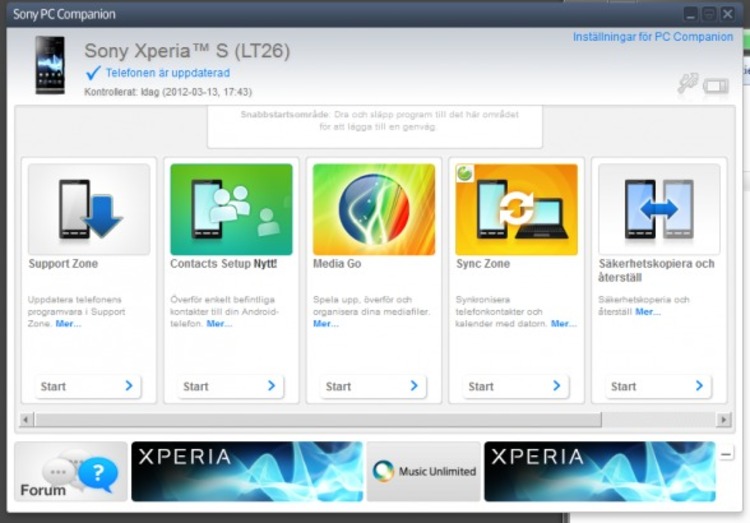
Download Latest Version Of Pc Companion From Sony Official Site .
Install In your Windwos pc
Then Install Windows Compablity mode Fow Windows 8, 8.1 User From ( Pc Updates)
Connect Phone With Pc And Check For Update
Download the Update
Install it
Methode 3- Using Sony Update Serives

Download Sony Update Services From this Link-Update.exe
Install It in your pc
Open it And Select Your Phone And Go NExt
Restart Your Phone in Bootmode(Using Hold Volume Down Key + Plug Usb In Phone)
Check For Update
Download It
And Insatall....
Note - MAke Backup of Your all Data Before Using Following Methodes.
For Any Help Leave Comments


